“Build a launch film from these interviews. Open on the problem, show the product, and finish with the customer’s reaction.”
Find material in the library, choose the story, and assemble the sequence.


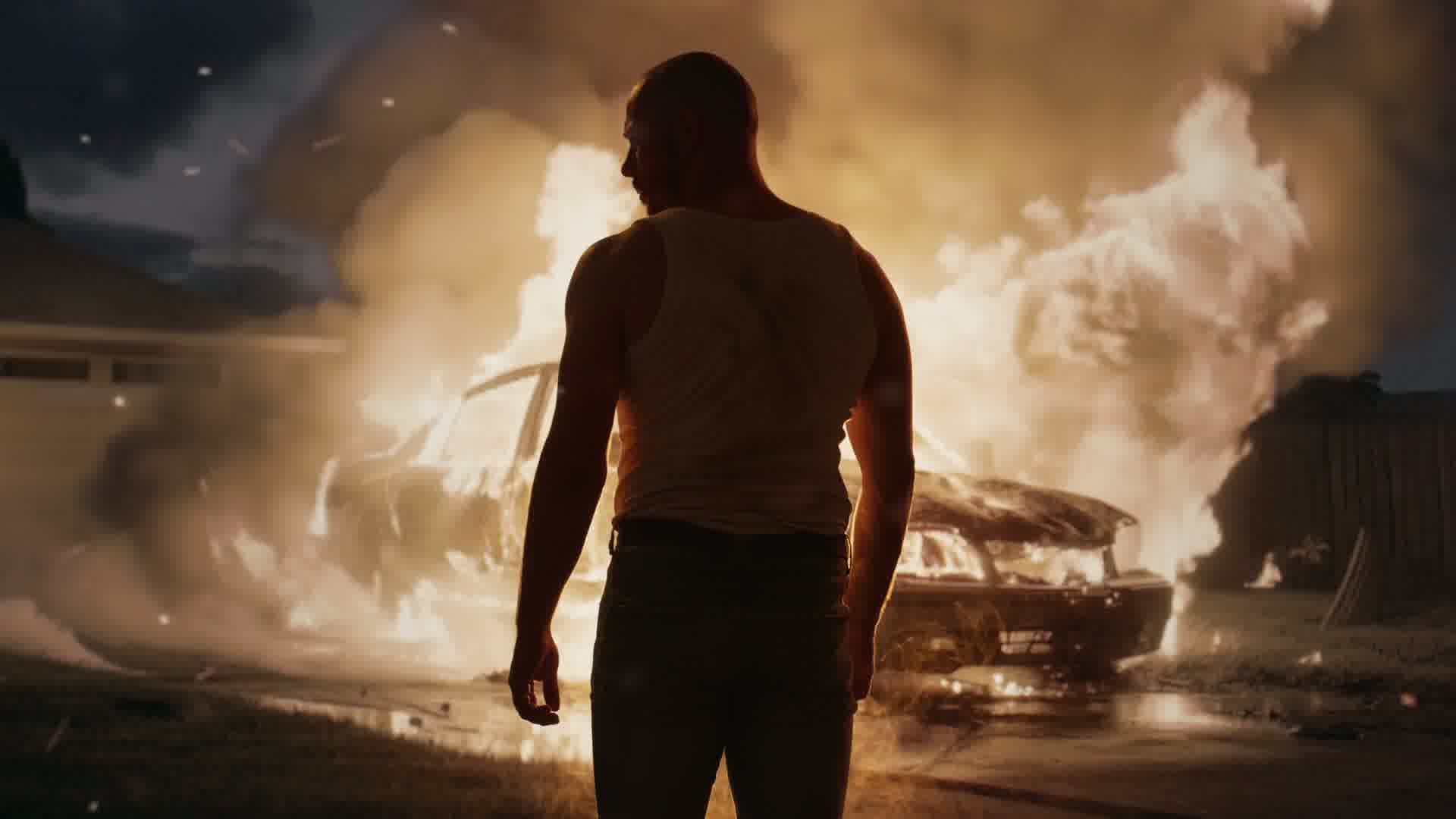
Go from brief to first cut to the work you want to put your name on. Edit, generate, animate, and build the sound in one creative conversation.
Illustrative source footageA brief, references, existing footage, or a combination of all three.
The story, shot choices, pacing, visual language, graphics, and sound.
A finished render, an editable project, and assets you can use in the next version.
You do not have to explain the entire production perfectly in the first message. Review what the agents make and keep directing.
“Build a launch film from these interviews. Open on the problem, show the product, and finish with the customer’s reaction.”
Find material in the library, choose the story, and assemble the sequence.
“Start with the reaction instead. Build an animated graphic around that number. Give the ending more space.”
Change source moments, create graphics, and refine the pacing in the same project.
“Make the voiceover warmer. Use our typeface. Create a portrait cut with the product always visible.”
Direct the sound, captions, and framing. Make precise adjustments on the timeline.
Example creative directions. Review the actual outputs as you work.
Fill a missing shot, explore a new look, or create a film from the brief. Generated material becomes part of the edit.
Generation is reviewed shot by shot. Available models, duration, and usage depend on the tool and account.
Create short, vertical stories with an arc that keeps going. Direct the premise, produce the scenes, and cut each episode around its own hook and cliffhanger.
“A voice message arrives from tomorrow.
The voice is hers. The warning is too late.”
Introduce the ordinary world, then break it with one impossible detail.
Pay off the first question. Reveal the bigger problem behind it.
Bring the story full circle, with a new choice waiting at the end.
Build shots from references or existing footage. Generate scenes, add voiceover and sound, style captions, and revise the pacing in chat. Review character continuity and each episode before release.
Example story direction for the creative workspace. Shape and review the production shot by shot.
Create animated titles, charts, lower thirds, and overlays around the content. Style captions with your typography and word emphasis. Add voiceover narration, music, ambience, and sound effects.
Save brand instructions as reusable skills: tone, colors, caption treatment, or the way a particular format should work. Bring that direction into the next conversation.
Explore the framing controls ↗Download a rendered video or export project files for Adobe Premiere Pro. Keep the timeline, cuts, and supported keyframes, with the source media, generated assets, and pre-rendered graphics you choose to include.
Captions can travel with the project too. Your team can take the first cut into its existing finishing process for grading, detailed mixing, and delivery.
Project export uses an interchange format. Graphics can arrive as rendered assets; they are not all native editable effects.No. You can begin with a creative brief or references and generate material. You can also work entirely with your own footage, or mix existing and generated shots.
Ask the agents to research a claim and inspect their sources. Bring your brand guidance into the conversation and review the resulting edit. These tools support your editorial judgment; the final approval stays with your team.
Agent operations, processing, generation, and clean renders can use credits. Review the options in your account as you work. For a recurring campaign workflow, discuss output volume and production requirements with Starzero.